
You want to top up before a session on 711Cuci, or you have just had a good run and want the money back in your own account. Either way, it helps to know how money moves in and out of your wallet before you need it.
This guide gives Malaysian players an overview of every payment method, how deposits and withdrawals work, what slows them down, and how to fix the most common problems.
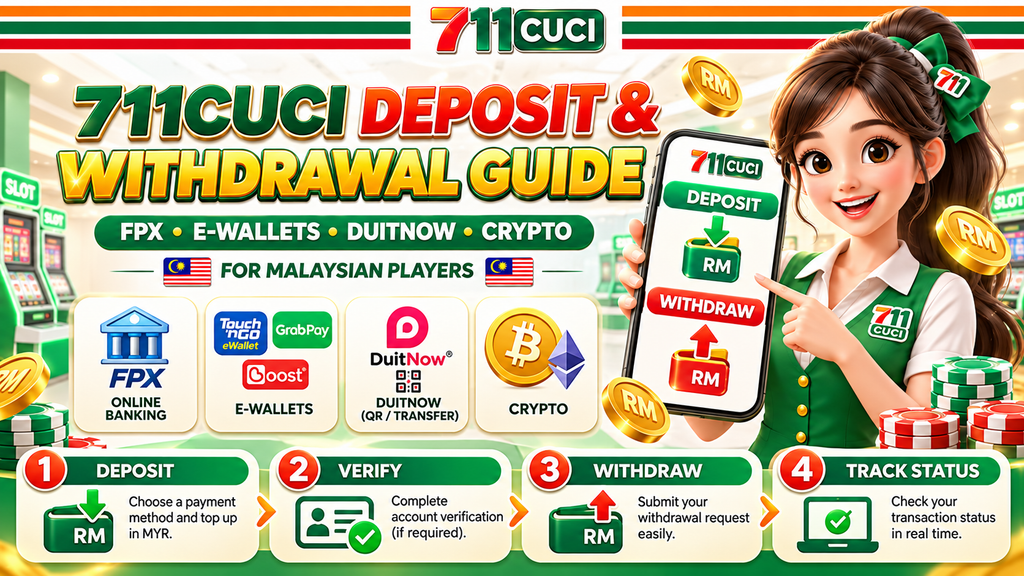
Quick answer: 711Cuci supports MYR payments through local online bank transfer (FPX), e-wallets such as Touch ‘n Go eWallet, GrabPay and Boost, DuitNow, and selected cryptocurrency options. Deposits generally reflect almost instantly. Withdrawals are usually processed within minutes under normal banking conditions, provided your account details are verified and any bonus turnover is complete.
711Cuci Payment Methods at a Glance
All methods fund one MYR wallet. The methods, minimums and maximums shown in your cashier are always the final word, because availability can depend on your account status and the payment services currently supported.
| Method | Best for | Typical deposit speed | Things to watch |
| FPX online banking | Players who prefer their bank app | Almost instant once the bank approves | Bank maintenance windows and cut-off times |
| Touch ‘n Go, GrabPay, Boost | Mobile-first everyday top-ups | Almost instant | E-wallet balance limits and provider fees |
| DuitNow | Quick transfers from many Malaysian banks | Almost instant | Finish the payment page before closing your app |
| Crypto (if shown) | Players who already hold crypto | Depends on network confirmation | Network fees and sending on the wrong network |
How to Make a Deposit at 711Cuci
The deposit flow is the same whichever method you choose:
- Open the website or the 711Cuci app and sign in to your account.
- Go to the cashier and select Deposit.
- Choose your payment method.
- Check the minimum amount, maximum amount and payment instructions shown on screen.
- Enter the amount in MYR, complete the payment, and return to the cashier.
Keep a screenshot or the transaction reference until the balance updates. Support may ask for it if a deposit is delayed.
If you plan to claim a deposit bonus, check the offer on the 711Cuci promotions page before you pay. Some offers must be selected before the deposit is made.
FPX Online Bank Transfer
FPX (Financial Process Exchange) links Malaysian banks for online payments. After choosing FPX, you pick your bank, approve the payment in your bank’s own login page or app, and are sent back to the cashier. It is a familiar option if you already pay bills or shop online with your bank.
Banks commonly used for FPX include Maybank, CIMB Bank, Public Bank, RHB Bank, Hong Leong Bank, Bank Islam and AmBank. The bank list in your cashier is the one that applies.
E-Wallet and DuitNow Deposits
Touch ‘n Go eWallet, GrabPay and Boost suit players who already use their phone for food, parking and tolls. DuitNow lets you pay from many Malaysian bank apps by QR or transfer.
Why many players choose them:
- Funds usually reflect almost instantly
- No need to type in bank account details for each top-up
- Easy to track every transaction in your phone app
- Works the same on mobile and desktop
Crypto Deposits
711Cuci lists selected cryptocurrency options among its payment methods. If they appear in your cashier, you will see a deposit address with the supported coin and network. You send the exact amount from your own wallet or exchange, and your balance updates after the blockchain confirms the transaction.
Crypto is a reasonable choice only if you already hold it and understand how it works:
- Confirmation time depends on network traffic.
- Your wallet or the network may charge its own fees.
- Sending a coin on the wrong network can mean losing the funds, so always match the coin and network shown in the cashier.
How to Withdraw Your Winnings from 711Cuci
Open the cashier, select Withdraw, choose your payout method, enter the MYR amount and submit. Your request is checked and then sent to your local bank or e-wallet.
Before you submit, check three things:
- Ownership: withdraw to a bank or e-wallet account in your own name. Payments involving third-party accounts may be reviewed.
- Verification: make sure your registration details are accurate and your mobile number is active, as you may need an OTP or identity check.
- Bonus turnover: if you claimed a promotion, complete its wagering requirement first. Our 711Cuci bonus guide explains how each offer works.
Withdrawing to the same method you used to deposit usually makes the review simpler.
How Long Do 711Cuci Withdrawals Take?
711Cuci states that withdrawals are verified and processed within minutes under normal banking conditions. They can take longer when:
- Your account or payment details still need verification
- A promotion’s turnover or other conditions are still active
- Extra payment checks are triggered
- Your bank or e-wallet provider is slow, under maintenance, or past its cut-off time
- A crypto network is congested
711Cuci Deposit and Withdrawal Limits and Fees
There is no single published limit that applies to every player. Each method shows its own minimum and maximum in the cashier, and promotions can carry their own maximum withdrawal rules. The 711Cuci terms and conditions explain how deposits, promotions and withdrawals are handled.
Your bank, e-wallet provider or crypto network may charge its own fees, so check before you confirm.
Common Transaction Problems and How to Fix Them
Deposit not showing up: Refresh your wallet and confirm the payment went through in your bank or e-wallet app. If it is still missing after a fair wait, contact 711Cuci customer support with your username, amount, time and reference number. Do not keep resending the same deposit.
Withdrawal pending or rejected: The usual causes are unfinished bonus turnover, details that need verification, a payout account that is not in your name, or an amount outside the limits shown. Fix the cause, then resubmit.
Wrong amount entered: Double-check the amount before you confirm any transaction. If there is a genuine error on the platform side, contact support right away and keep screenshots.
Crypto transaction delayed: Check the transaction hash on a public block explorer. If the network has not confirmed it yet, the transfer is still waiting rather than lost. If it is confirmed but your balance has not updated, send the hash to support.
E-wallet payment declined: Make sure your e-wallet balance is enough and your e-wallet account is active and verified. Some providers limit large payments until you complete their own checks.
Tips for Faster 711Cuci Transactions
- Use e-wallets, DuitNow or FPX for the quickest everyday deposits.
- Keep your registration details accurate and your mobile number active.
- Deposit and withdraw using accounts in your own name.
- Use the same method for deposits and withdrawals where possible.
- Clear any bonus turnover before requesting a payout. Our free credit guide explains how turnover works.
- Avoid bank transfers during bank maintenance or cut-off times if you need funds quickly.
- Only deposit what fits your budget for that session.
Is 711Cuci Safe for Deposits and Withdrawals?
According to 711Cuci, the platform uses 256-bit SSL encryption, firewall protection and isolated financial accounts to protect player data and balances. Withdrawals also go through verification checks, which may add a short wait but help make sure money only goes to the account holder.
Your own habits matter too. Only use payment details shown inside your official cashier, never share your password or OTP, and treat any private message offering a “new” bank account for deposits as a scam. How your personal data is handled is covered in the 711Cuci privacy policy.
Final Thoughts on 711Cuci Banking
Moving money in and out of your account does not need to be complicated. FPX suits players who like their bank app, e-wallets and DuitNow suit fast everyday top-ups, and crypto works if you already use it. Keep your details verified, withdraw to an account in your own name, and clear any bonus turnover first.
Ready to start? Head to 711Cuci and check the cashier for the methods available on your account.
Frequently Asked Questions
What is the fastest deposit method at 711Cuci?
E-wallets such as Touch ‘n Go, GrabPay and Boost, along with DuitNow and FPX, usually reflect almost instantly once the payment is approved.
Does 711Cuci accept cryptocurrency?
Yes, 711Cuci lists selected cryptocurrency options. Check your cashier for the coins and networks currently available on your account.
How long does a 711Cuci withdrawal take?
Withdrawals are usually processed within minutes under normal banking conditions. Verification, active promotions or provider delays can add time.
What is the minimum deposit at 711Cuci?
The minimum depends on the payment method. Your cashier shows the current minimum and maximum before you confirm.
Why is my 711Cuci withdrawal pending?
Common reasons include unfinished bonus turnover, details that need verification, extra payment checks, or delays at your bank or e-wallet provider.
Can I withdraw using a different method than my deposit?
Withdrawing to the same method you used to deposit, in your own name, usually makes the review simpler and faster.
Are there fees for 711Cuci deposits or withdrawals?
Your bank, e-wallet provider or crypto network may charge its own fees. Check the cashier and your provider before you confirm.
What should I do if my deposit does not appear?
Refresh your wallet and check the payment went through on your side. If it is still missing, contact 711Cuci support with your username, amount, time and reference number.