
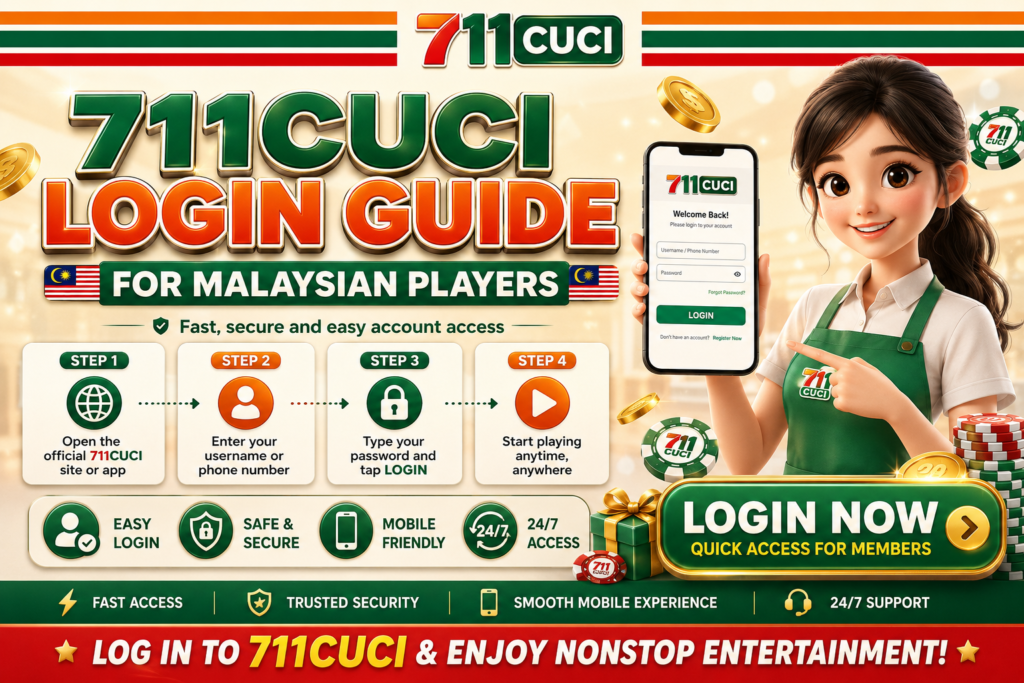
The 711Cuci login lets registered Malaysian players access their account, game lobby, promotions, and account balance from supported devices.
You only need your registered login details to get started. If you’ve forgotten your password or the login page isn’t working, there are a few simple checks that can help.
Login should take moments.
To log in, open the official 711Cuci website and select the Login option. Enter your registered username and password, then complete any security check shown on the page.
The basic steps are:
Check the website address before entering your details. Fake login pages often copy the look of a real brand.
Yes. 711Cuci supports mobile access, so you can sign in from a smartphone through a supported mobile browser. The platform’s own pages describe mobile access across its gaming services.
The process is almost the same as desktop login.
Open your mobile browser, visit the official website, select Login, and enter your account details.
If you’re using an official mobile application, use the same registered account unless 711Cuci specifically tells you otherwise.
You normally need the details you used when creating your account.
These can include:
Login detail | What to do |
Username | Enter the registered username exactly |
Password | Check upper and lower case |
Mobile number | Use the number linked to your account when recovery requires it |
OTP | Enter only through the official verification screen |
CAPTCHA | Complete it when requested |
Don’t send these details to another person.
Support staff shouldn’t need your full password.
A forgotten password doesn’t mean you’ve lost your account.
Start at the official login page and look for the password recovery option. The 711Cuci site has published recovery guidance that directs users to use the Forgot Password function and verify their registered account details.
The process can vary by the current account system, but it usually follows this pattern:
Don’t keep guessing your password over and over. That can trigger account security checks.
There are several common reasons.
Your username may be wrong. Your password may contain a typo. Your connection may be unstable. The browser could have an old cached session.
Try these checks one at a time:
A simple browser refresh fixes more login problems than people expect.
Start with your connection.
Try another network or switch between Wi-Fi and mobile data. Then reopen the official website.
If the website loads but the login form doesn’t work, close the browser and try again. An outdated browser can cause problems with newer website functions.
You should avoid clicking random “new login” links posted in chat groups. Those pages can look convincing.
711Cuci’s site describes a unified account experience across its gaming categories, including its slot lobby and live casino.
That means you don’t need to treat every game as a separate membership.
Once you’re signed in, you can browse the available 711Cuci slot games and other sections from the main platform.
Some third-party provider applications can have their own access rules. Follow the instructions shown by the official platform for those games.
Account security starts with a few boring habits. They’re worth following.
Use a password that you don’t use on other websites. Don’t share it with friends. Don’t save your details on a public computer.
You should never send your OTP to someone through WhatsApp, Telegram or social media.
711Cuci’s FAQ advises users not to share passwords or OTPs, even with someone claiming to be staff.
If you’ve logged in on a shared computer, log out before closing the browser.
Yes. You can access your account from supported devices using your registered details.
Phone access is useful for quick account checks and mobile gaming. Desktop access gives you a larger screen for browsing the lobby.
The choice is yours.
If you want mobile access without installing anything, the browser route is often the simplest place to start. If an official 711Cuci app is available through the brand’s own channel, follow that source rather than downloading an APK from an unknown site.
Don’t rush straight into a game.
Take a quick look at your account and check any current promotion terms before depositing. The 711Cuci Promotions page is the right place to check current offers.
You can then browse the slot lobby or visit the 711Cuci Live Casino page if you prefer dealer games.
Set your playing budget before you start. That small step can stop a short session from turning into an expensive one.
If password recovery doesn’t work, contact 711Cuci through the official support channel listed on its website.
Have basic account information ready, but don’t send your password or OTP.
The 711Cuci Contact Us page provides the brand’s current support route. Use that page rather than relying on contact details copied from an unrelated website.
Before contacting support, check these points:
These checks cover most everyday access problems.
A 711Cuci login is straightforward once you have the correct account details and official website.
Use the same account across supported devices, protect your password, and use the official recovery process if you forget your credentials. Don’t give your OTP to anyone, even if they claim to represent the platform.
Ready to access your account? Open the official 711Cuci site, verify the address, and log in with your registered details.